
Texting your customers
Which texts are free, which come with the phone system add-on, and how to text customers and read their replies.
Free forever Not a trial. No card, no contract, unlimited users. Card payments cost 3.9% + 30¢. Our promise →
Step 1: Know which texts are free
Day-before appointment reminders are part of the free software.
Step 2: Get texting with the phone add-on
On-my-way texts, dispatch texts, two-way texting and text campaigns go through our built-in texting, which comes with the phone system add-on. Phone system + AI receptionist: $79/month* add-on, includes after-hours on-call dispatch and texting. 500 texts a month* are included. Customers can reply STOP at any time.
Step 3: On-the-way texts
When a tech taps En Route, the customer gets a text that they’re on the way, with the tech’s first name and your phone number. It’s on from the start, and you can switch it off in Settings → Automatic Messages. Without the phone system add-on, the tech app offers Text from my phone instead.
Step 4: Open your texts
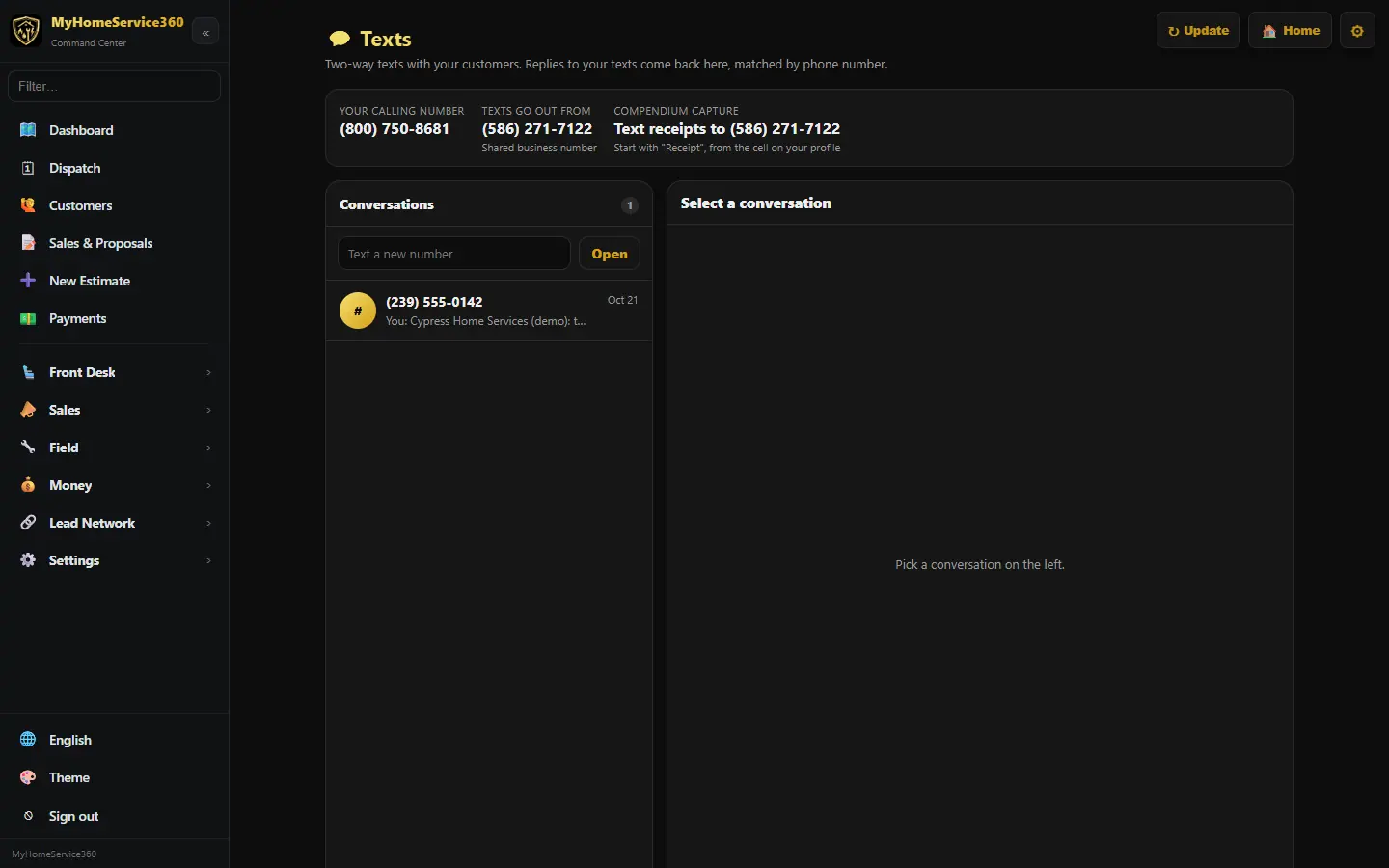
Open Sales → Phone System and click Open Texts. Conversations are on the left; replies to your texts come back here, matched by phone number.
Step 5: Send a text
Click a conversation and type in the reply box, then Send. To start a new one, type the number in Text a new number and click Open.
Step 6: Read messages from the app
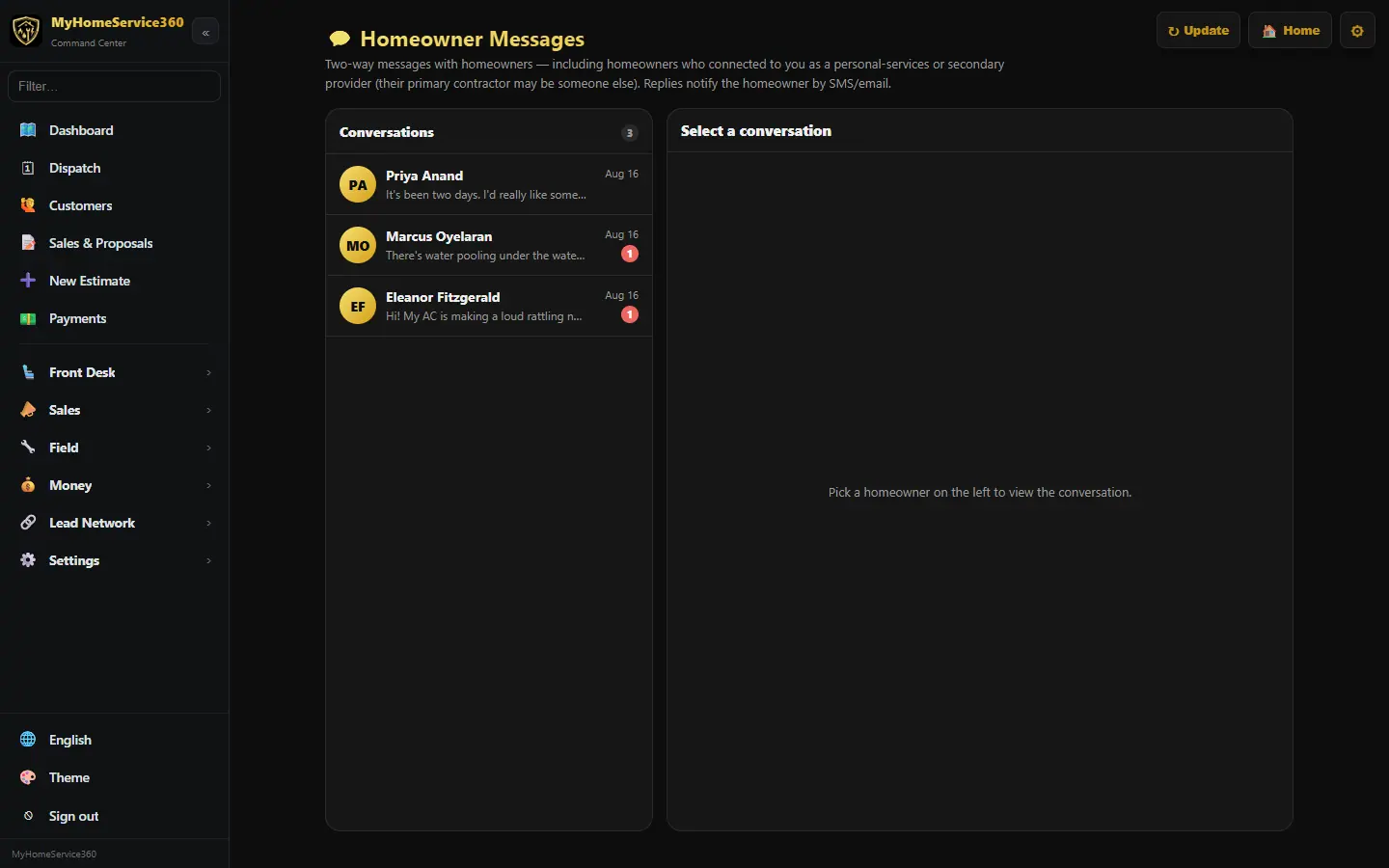
Customers who use the free home app can also message you there. Those messages land in Sales → Homeowner Messages.
Real screen from the demo account; names and numbers are sample data. Step 7: Respect consent and quiet hours
Marketing texts only go to customers who agreed to get them, and automatic texts never go out between 9 PM and 8 AM.
Still stuck? Tell us what you were trying to do and where you got stuck. A screenshot helps.
Your ticks are saved in this browser only. Updated October 2026.
Questions about this
Can customers text me back?
Yes. With the phone system add-on, replies to your texts come back to Texts, matched by phone number.
*Included minutes and texts cover typical use. Usage above the included amounts is billed as overage, and larger or high-volume companies may be quoted higher phone and texting rates. See our Terms.